
How it works
Each refresh re-reads the docs the token can open and indexes the pages and tables changed since the last run.
A table whose rows cannot be read is still indexed from its name alone,
so the table appears in search even when its contents are unavailable.
Before you begin
You need:- A Coda account that can open the docs you want Hymalaia to index
- A Coda API token for that account
- An Hymalaia administrator account
Configure Coda
1
Generate an API token
In Coda, open your account settings and generate an API token. Copy it right away.See Coda’s API authentication documentation
for their current steps.
The token carries the same Coda access as the account that created it. Hymalaia indexes only the docs,
pages and tables that account can open.
Configure Hymalaia
1
Open the Coda connector
In Hymalaia, go to Admin Panel → Add Connector and select Coda.
2
Create a credential
Paste the token into Coda Bearer Token.
Hymalaia checks the token as you save the credential and rejects it if Coda returns an authentication error.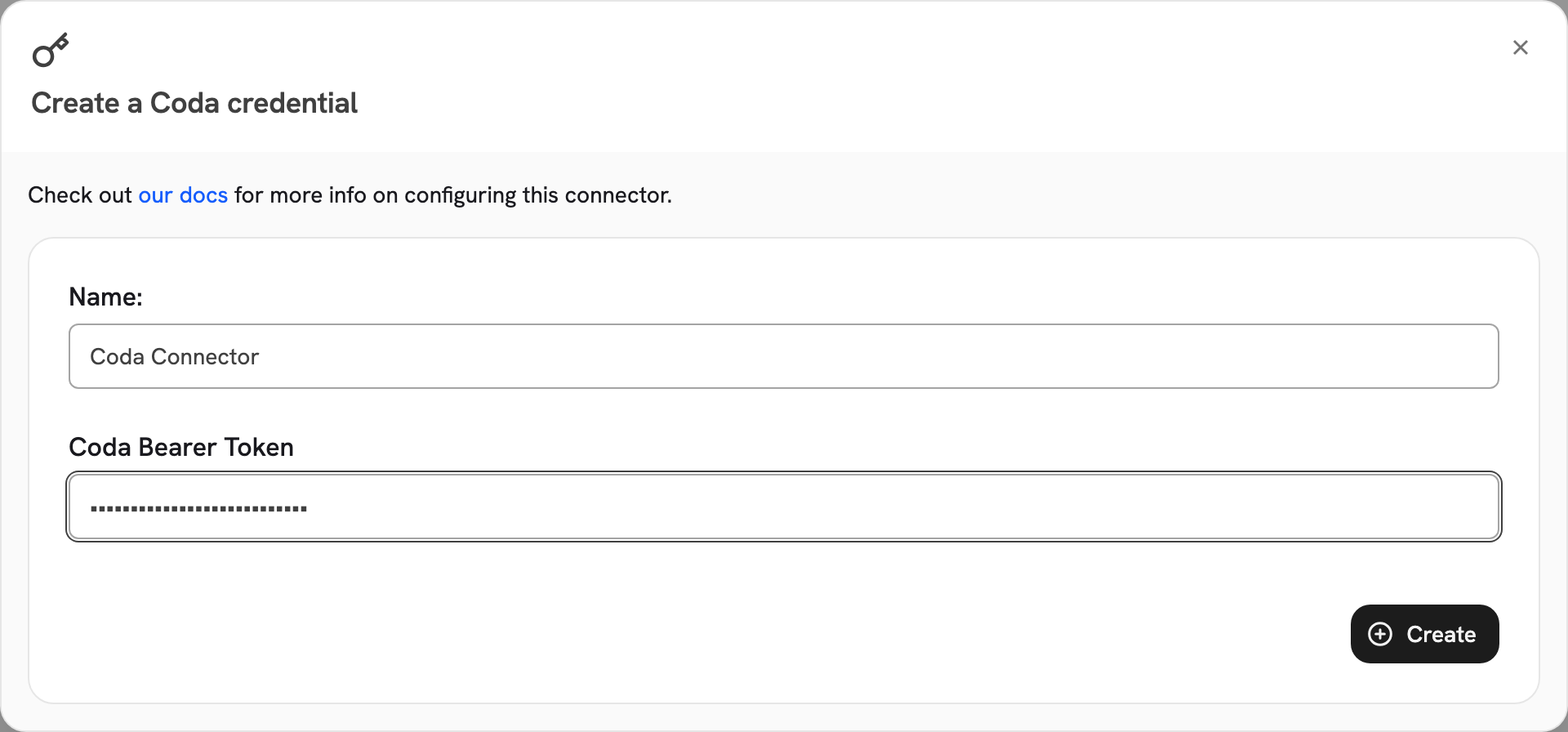
3
Name the connector
Give the connector a descriptive name. Coda has no other connector settings: the token decides what is indexed.
4
Choose the access type
Public makes all indexed Coda content visible to every Hymalaia user.
Private limits the connector to selected Hymalaia user groups, and is a paid feature, available in the Enterprise Edition.
5
Connect and verify
Select Create Connector. Then open Admin Panel → Existing Connectors, select the connector,
and confirm its first indexing attempt completes.
Limits
Hymalaia rate-limits its own calls to the Coda API. The connector downloads no files, so it has no file-size cap:
it indexes page text and table cell values through the API.
Troubleshooting
The token is rejected or has expired
The token is rejected or has expired
Coda credential appears to be invalid or expired (HTTP 401) means the token is wrong or has been revoked.
Generate a new token in Coda and update the Hymalaia credential.A workspace is not found
A workspace is not found
Coda workspace not found or not accessible (HTTP 404) means the token’s account cannot reach the workspace.
Confirm the workspace is shared with that account.Indexing stops with a rate-limit error
Indexing stops with a rate-limit error
Validation failed due to Coda rate-limits being exceeded (HTTP 429) means Coda is throttling the account.
Wait and retry. Hymalaia already rate-limits and retries its own calls,
so a persistent 429 usually means something else is also using the token.A doc, page or table is missing
A doc, page or table is missing
Confirm the token’s Coda account can open it. Hymalaia indexes only what that account can reach,
so a doc shared with a different account is not indexed.
A table whose rows cannot be read is indexed from its name alone.